QR Code Phishing (Quishing): How Malicious QR Codes Target Canadian Organizations
You pull into a parking lot, scan the QR code on the meter to pay, and enter your card details. The meter never charged you. An attacker printed a sticker, placed it over the real code, and now holds your card number. Move the same trick into your inbox, where a code arrives inside an email dressed as a payroll notice or a login prompt, and the fraud reaches your staff. This is quishing, and it works because your email filters read written links but skip the image hiding one.
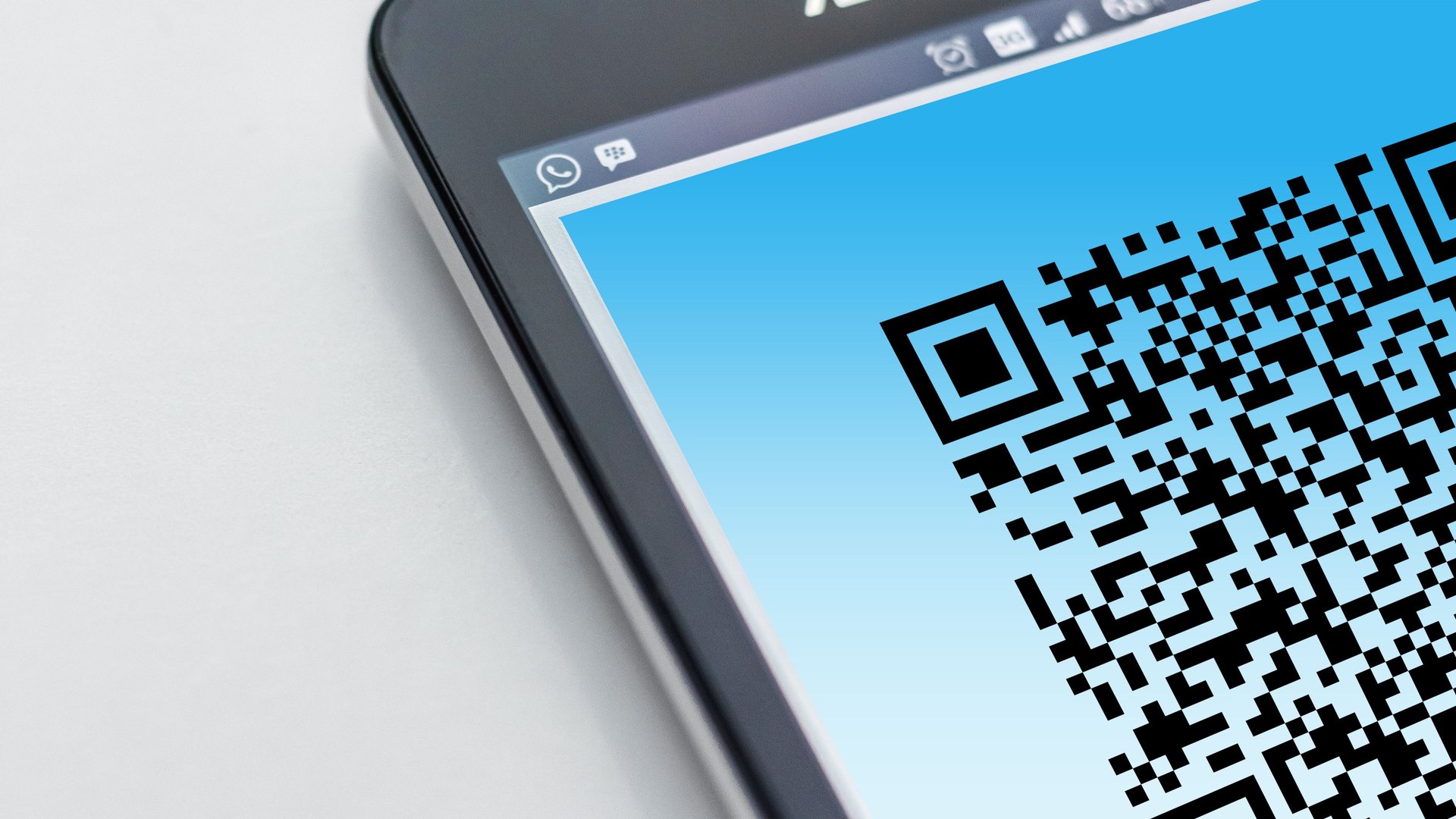
Quishing, or QR code phishing, hides a malicious web address inside a scannable square. The Canadian Centre for Cyber Security lists the tactic in its security considerations for QR codes. Attackers clone a real code and point it at a fake site. They print codes on stickers and leave them in public. They drop a code into a phishing email so the victim scans it on a phone. The money follows. The Canadian Anti-Fraud Centre recorded about $351 million in reported fraud losses in the first six months of 2026 alone, with spear phishing accounting for roughly $57.7 million, and the agency estimates victims report only 5 to 10 percent of fraud. Kaspersky tracked a fivefold rise in QR code phishing through the second half of 2025. The trend points one direction.
Why a QR Code Slips Past Your Defences
Your security stack reads text. Email gateways scan message bodies and written URLs against blocklists. A QR code is an image, so the dangerous link rides inside a picture the filter treats as harmless. The scan then moves to a second device. Your employee lifts a personal phone, points the camera, and leaves the protected network entirely. The corporate firewall, the endpoint agent, and the web proxy see none of it. One image walks the victim off your defended ground and onto the attacker’s page.
How Attackers Put the Code in Front of You
The email route is the common one. A message claims your multi-factor enrolment expires today, or a shared document waits for review. The code promises a quick fix. You scan, land on a near-perfect copy of a Microsoft or bank login, and type your password into the attacker’s form. The physical route works too. Fraudsters cover real codes on parking meters, restaurant tables, and electric-vehicle chargers with their own stickers. Several Canadian cities have seen reports of tampered meter codes stealing payment card details. A code on a label over another code is a signal the CCCS tells you to question before you scan.
From One Scan to a Full Breach
Watch the chain inside a business. An attacker emails a finance manager a code dressed as an invoice portal. The manager scans it on a personal phone, enters the corporate login, and approves the multi-factor prompt out of habit. The attacker now reads email, studies payment patterns, and sends a wire request in the manager’s voice. This is business email compromise, one of the costliest frauds Canadian organizations face. The breach began with one square of black and white pixels and a trusted employee in a hurry.
The Warning Signs You Teach Your Team
Quishing leaves clues. A QR code inside an unexpected email is the first. So is any code demanding urgent action, a login, or a payment. A scanned link whose web address does not match the brand it claims deserves a full stop. Teach your staff to read the preview URL before they open it, and to treat a login page reached by camera with the same doubt as a link in a stranger’s message. The habit of pausing to check the address defeats most of these attacks before a password ever leaves the keyboard.
How Canadian Organizations Shut Quishing Down
Start with the login itself. The CCCS recommends verifying the web address with care whenever a scanned code asks for a password, and typing a known address by hand instead of scanning when you have the choice, such as for a menu or a payment page. Replace text-message and one-time-code second factors with phishing-resistant methods. Hardware security keys and passkeys stay bound to the real site, so a stolen password opens nothing on a fake one. Configure company phones to require permission before a QR action launches a browser, and steer staff to the built-in camera rather than an unknown scanner application.
Wrap the controls in a framework your auditors recognize. The identity and access controls in ITSG-33 and the CCCS Baseline Cyber Security Controls give you the structure for multi-factor authentication, device hardening, and user training. Because a captured credential often leads to exposed personal data, your response also meets PIPEDA breach-reporting duties. Add a simple runbook. When someone reports a scan gone wrong, reset the exposed password, review recent logins on email and cloud accounts, and record the event. A short, rehearsed response keeps one bad scan from becoming a reportable breach.
Build the Skills Behind the Controls
Policy holds when your people understand the attack. Mile2 builds this understanding through role-based training. The Certified Security Awareness 1 course prepares your staff to spot the social engineering a quishing message relies on, so the help desk and finance team stop the con at the first scan. The Certified Cybersecurity Analyst develops the monitoring skills to flag a suspicious login the moment a captured credential approves one. The Certified Incident Handling Engineer teaches your team to contain an account takeover and reverse the damage. For the leaders who set authentication and device policy, the Certified Information Systems Security Officer builds the governance view the Canadian frameworks expect.
A quishing attack costs a criminal a printed sticker or a single email. It costs a victim their credentials in seconds. Move your sensitive logins to phishing-resistant factors, teach your people to pause before every scan, lock down company devices, and rehearse the response. A QR code is a shortcut. Make sure it never becomes a shortcut into your organization.
